
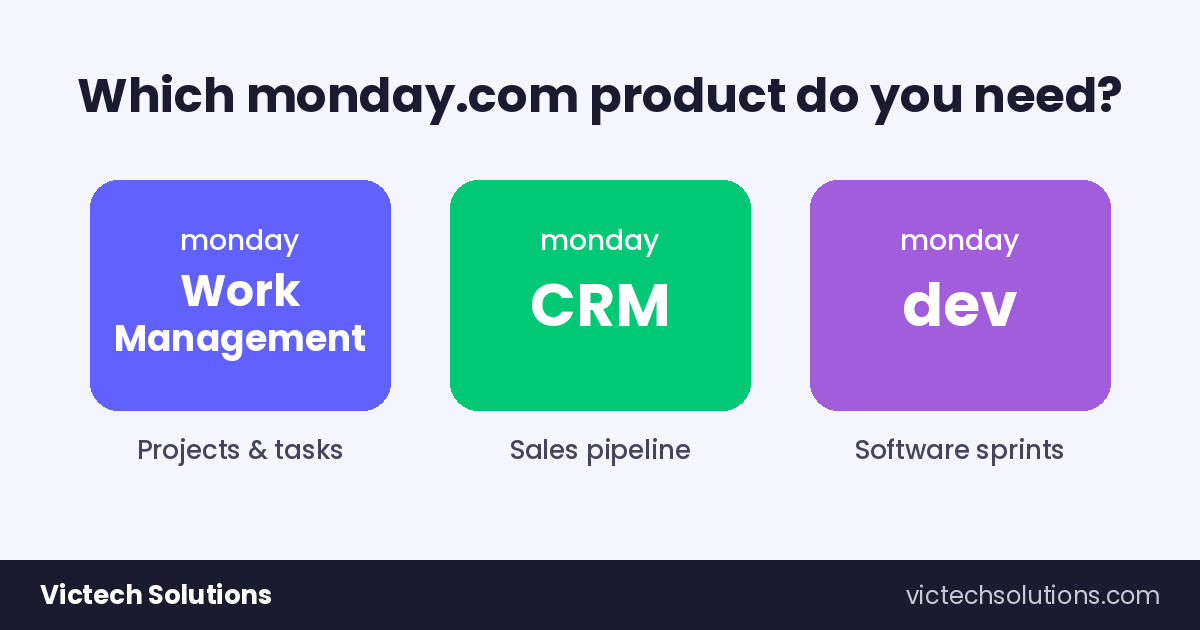
monday.com is not one product. It is four: Work Management, CRM, dev and service. They look almost the same, they are built on the same platform, but they are priced separately and built for different jobs. Picking the wrong one is one of the most common (and expensive) mistakes teams make. This guide compares monday CRM vs Work Management, and where monday dev fits, so you can choose with confidence.
Table of Contents
The short answer
- monday Work Management: for projects, tasks, requests and operations.
- monday CRM: for leads, deals, contacts, emails and your sales pipeline.
- monday dev: for software teams running sprints, bugs and releases.
- monday service: for support tickets and help desks.
Start with the product that matches your main job. You can connect boards across products later.
monday CRM vs Work Management vs Dev at a glance
| Work Management | CRM | dev | |
|---|---|---|---|
| Built for | Projects, tasks, operations | Sales pipeline and contacts | Software development |
| Key features | Boards, timelines, Gantt, workload, forms | Deals, contacts, accounts, email sync, activity tracking, quotes | Sprints, backlog, bugs, roadmaps, releases |
| Free plan | Yes, up to 2 seats | No | No |
| Basic | $9 per seat | $12 per seat | $9 per seat |
| Standard | $12 per seat | $17 per seat | $12 per seat |
| Pro | $19 per seat | $28 per seat | $20 per seat |
| Top plan | Enterprise (custom) | Ultimate (custom) | Enterprise (custom) |
Prices per seat per month, billed annually, checked November 2026. Paid plans start at 3 seats. See monday.com pricing for current numbers.
What is monday Work Management?
monday Work Management is the original monday.com product. Teams use it to plan projects, track tasks, manage requests and run day-to-day operations. It gives you boards, many views (table, Kanban, timeline, Gantt, calendar), dashboards, forms and automations.
Choose it if your main job is delivering work: marketing campaigns, client projects, operations, HR, events or internal requests.
What is monday CRM?
monday CRM is built on the same platform but adds what a sales team needs: deals, contacts and accounts that link together, two-way email sync with Gmail or Outlook, activity tracking, lead capture and sales dashboards.
Choose it if your main job is winning and managing customers. A key detail: the Basic CRM plan includes no automations, so most sales teams need Standard or higher.
What is monday dev?
monday dev is for software teams. It adds sprint planning, backlogs, bug tracking, roadmaps and release management. Work Management alone has no backlog view, velocity tracking or burndown chart, so teams running formal Scrum usually need dev.
Choose it if you build software in sprints. If you only track a few tech tasks, Work Management is enough.
Is monday a CRM?
Yes and no. monday CRM is a full CRM product. The standard monday Work Management product is not a CRM, although many small teams build a simple sales pipeline on it with a template. That works for a handful of deals, but you miss email sync, contact-deal links and sales-specific automations.
Can you use Work Management as a CRM?
You can, for a very simple pipeline. It starts to break when you need:
- Emails logged automatically against each contact
- Contacts, companies and deals linked together
- Sales forecasts and win-rate reports
- Duplicate detection and lead capture from your website
At that point, monday CRM saves more time than it costs.
What it costs to buy two products
Because each product is priced separately, a team that needs both projects and sales can end up paying twice. A simple example for a 5-person team on Standard:
| Option | Monthly cost (5 seats) |
|---|---|
| Work Management Standard only | $60 |
| CRM Standard only | $85 |
| Work Management + CRM, both Standard | $145 |
Many small teams do fine with one product. monday CRM still has normal boards, so a small sales-led team can manage onboarding and delivery inside CRM. A delivery-led team with a small pipeline can often stay on Work Management. Buy both only when each team really needs its own features.
Which monday.com product should you choose?
- Mostly selling? monday CRM.
- Mostly delivering projects or operations? monday Work Management.
- Building software in sprints? monday dev.
- Handling support tickets? monday service.
- Small team doing a bit of everything? Start with the product for your biggest job, then connect boards or add a second product when you outgrow it.
Common wrong choices
- Buying CRM Basic for automation. It has none. Check the plan before you buy.
- Building a complex sales process on Work Management. It works until you need email tracking and forecasts, then you rebuild.
- Buying every product “just in case”. You pay for seats nobody uses.
- Ignoring the 3-seat minimum. A team of two still pays for three seats on paid plans.
Our experience
We set up both monday Work Management and monday CRM for small teams. The most common fix we make is not technical: it is helping a team realise they bought the wrong product, or two products when one would do. Getting this right at the start saves a migration later.
FAQ
Is monday.com free?
monday Work Management has a free plan for up to 2 seats with limited boards. monday CRM, dev and service have free trials but no free plan.
How much does monday.com cost?
Work Management starts at $9 per seat per month and monday CRM at $12, both billed annually with a 3-seat minimum. Automations start on the Standard plan.
What is the difference between monday CRM and monday.com?
“monday.com” usually means Work Management, the project and task product. monday CRM is a separate product on the same platform, built for sales pipelines, contacts and email.
Can I use monday CRM and Work Management together?
Yes. Boards from both products can connect inside the same account, so a closed deal in CRM can create a project in Work Management automatically.
Is monday CRM good for small businesses?
Yes, especially for teams that want a visual, easy-to-adopt CRM and also manage projects in monday.com. For heavy marketing automation, compare it with HubSpot first.
Not sure which product you need?
Tell us how your team sells and delivers today, and we will tell you which monday.com product (or combination) fits, before you pay for seats you do not need. Contact us for a free review.